Key Takeaways
- Xodus Nexus adds experimental Steam Deck support for selected PC Game Pass and Microsoft Store games on Linux.
- Controller navigation and Steam Gaming Mode integration let players launch supported games through Steam.
- Compatibility reports include Forza Horizon 6, Deep Rock Galactic, No Man’s Sky, and Palworld.
- Some games remain unsupported, and Linux compatibility does not guarantee reliable performance on physical Steam Deck hardware.
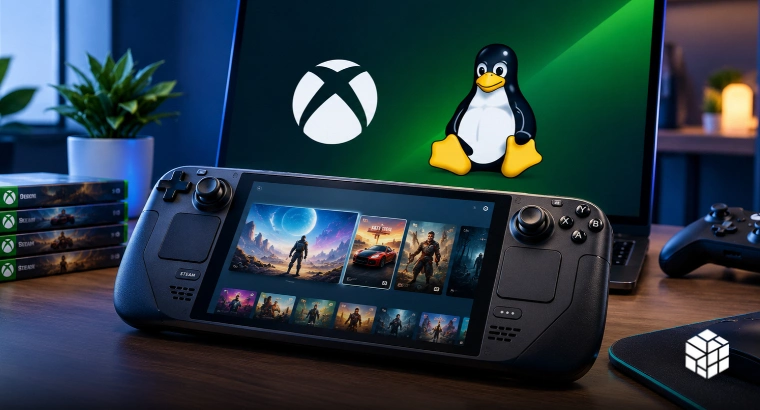
An open-source project is bringing selected PC Game Pass and Microsoft Store games to Linux-based devices, including the Steam Deck, without requiring users to install Windows. Xodus Nexus has added experimental Steam Deck support, allowing players to download games locally and launch them through Steam Gaming Mode.
The project uses a modified Wine/Proton setup to run supported titles outside Windows, though compatibility varies by game. Players still need a Microsoft account and a valid game purchase or subscription to access titles through the launcher. The update doesn’t make the entire PC Game Pass library available on SteamOS, and the developer is still seeking feedback on controller support, game compatibility, and other issues.
Xodus Nexus Adds Steam Gaming Mode Integration And Controller Navigation
The latest update focuses on making the launcher easier to use on handheld devices. Players can navigate parts of the interface with a controller, browse their game library, and add individual titles to Steam as non-Steam shortcuts. Users can also add the launcher to Steam, allowing them to access it through Gaming Mode.
The developer said the new features were experimental and invited Steam Deck users to test controller navigation, shortcuts, scaling, and other interface elements. Mouse, keyboard, and touchscreen input remain available, while certain sign-in windows and system dialogs may still require them.
The project combines the Xodus backend with a modified runtime based on Wine and Proton. This handles Microsoft account authentication, game licensing, downloads, and launching. Games run locally rather than through cloud streaming, so players do not need a continuous streaming connection to play a compatible single-player title.
The project is independent and is not an official Microsoft, Xbox, or Valve release. The Xodus Nexus GitHub repository also notes that its version includes its own changes, so a launcher issue does not necessarily indicate a problem with the original Xodus project.
Steam integration has some requirements. According to the setup guide, users need the native Linux Steam client, as this feature isn’t currently supported on Flatpak Steam. Players must also install the required backend and runtime before signing in and downloading games.
The update therefore adds a more accessible way to manage supported titles, but it does not remove every setup or compatibility issue associated with running Microsoft Store games on Linux.
The update adds a more accessible way to manage supported titles, but it doesn’t remove every setup or compatibility issue with running Microsoft Store games on Linux.
Game Compatibility Remains Limited Despite Early Playable Reports
Several games have been reported as working through Xodus Nexus, including Gears of War: E-Day, Forza Horizon 6, Deep Rock Galactic, Minecraft Dungeons II, No Man’s Sky and Palworld. The project’s compatibility list records manual testing results and user reports, with individual titles marked according to their reported status. Read these results carefully.
A game that runs on a Linux desktop doesn’t necessarily work reliably on a Steam Deck. In its Reddit post, the developer warned that the listed results were Linux compatibility reports, not guarantees of Steam Deck performance.
Games can fail at different stages. Some may not launch, while others may run but have issues with authentication, multiplayer, or specific features. Older Universal Windows Platform (UWP) titles are also outside the project’s current support. The Xodus Nexus release notes document ongoing fixes to controller navigation, sign-in, game launching, and other functions. The changes show that the software is still being developed, with compatibility and usability issues addressed across successive releases.
The project does not introduce native PC Game Pass support for SteamOS from Microsoft. Instead, players rely on an unofficial, community-developed tool, and results may vary by game, system configuration, and launcher version.
For now, Xodus Nexus provides another option for players who want to install selected Microsoft Store games on Linux. Its usefulness will depend on how the compatibility list develops and whether future updates improve controller navigation, sign-in reliability, and support for more titles.