
The market is flooded with an endless supply of PC gaming accessories for you to choose from. It’s important to pick the best gaming accessories because, without them, your overall gaming experience can be a bit lower than what you expect it to be. However, with most brands offering multiple variants of the accessories, the choice can be a bit difficult to make.
In 2026, building or upgrading a PC is expensive due to the lack of parts and components, thanks to the AI boom. So, if you’re looking to improve your overall experience, then investing in gaming peripherals right now is the way forward.
- Upgrading your best PC gaming accessories is important because it improves your gameplay experience.
- From monitors and headphones to an ergonomic gaming chair, these components can dramatically improve your gameplay performance.
- However, when it comes to these upgrades, you need to be smart because components are expensive in 2026.
Best Gaming Accessories You Need in 2026
From monitors with proper refresh rates to keyboards and audio systems, the best pc gaming accessories turn your gaming experience into an audio-visual treat. However, don’t go on a blind purchase spree. Good accessories are expensive, yes, but if you know what to look for, you might get your hands on good equipment for a steal.
Ideally, the typical gaming essentials are as follows:
- Monitor with a good refresh rate
- Mouse with multiple buttons
- Mechanical gaming keyboard
- Headphones with Active Noise Cancellation (ANC)
- Power Backup/ Surge protectors
Apart from these, you can also invest in the following systems:
- Ergonomic gaming chair
- PC cooling systems
- Streaming setup
- Additional Storage
Gaming Monitor with High Refresh Rate
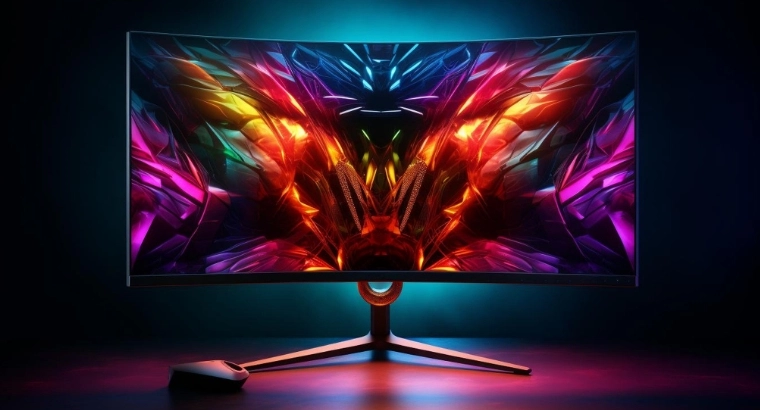
When picking a monitor, you’ll hear the term “refresh rate” a lot, but what does it really mean? Refresh rate refers to the speed at which the monitor updates with new images. Not only does this reduce motion blur, but it also reduces input lag. Although it may not matter to many gamers, if you play competitive FPS titles like Fortnite or Valorant, a high-refresh-rate monitor helps. Yes, monitors with very high refresh rates, like 240Hz, exist, but ideally, something around 120Hz should be enough, unless you’re competing at a professional level in esports.
Mechanical Gaming Keyboard
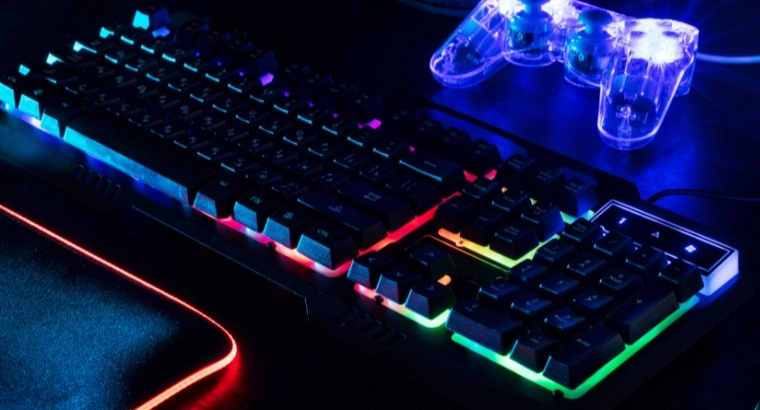
While it’s not as advantageous as a good monitor, getting a mechanical keyboard is always a good idea. It feels better, and in competitive environments, it can help minimize the ghost strokes or missed keystrokes. There’s a certain amount of input lag that can also be avoided with a mechanical keyboard, but it’s very minimal. Overall, this gaming accessory is all about the feel. When picking up a gaming keyboard, always ensure that you’re getting a wired one over a wireless one. These devices have different keys, such as Red Keys and Brown Keys, so read up on them and pick the one that suits you best.
Pro-Level Gaming Mouse
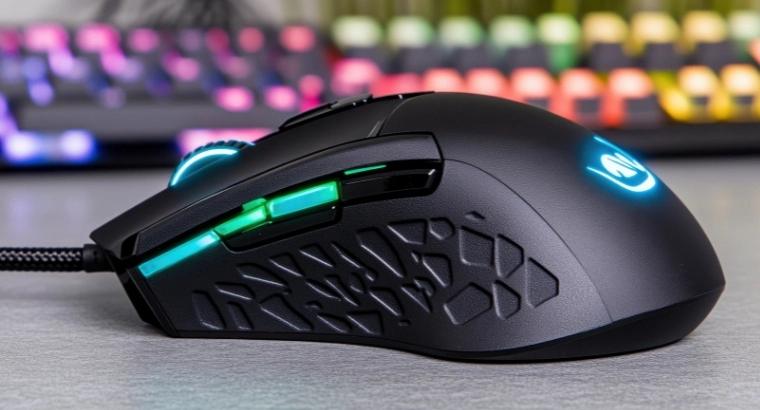
When choosing a gaming mouse, ensure that it has some weight to it and that it has multiple buttons for inputs. If you’re picking one for FPS titles, then make sure to pick one with high DPI because you’ll need really sensitive movements to land those flick headshots. Additionally, having multiple buttons on a mouse can help you access more features in-game, making it convenient, especially while aiming a weapon or while looking around. Think of it as a quick-access feature that can improve your response times drastically.
High-Performance Gaming Headset with ANC
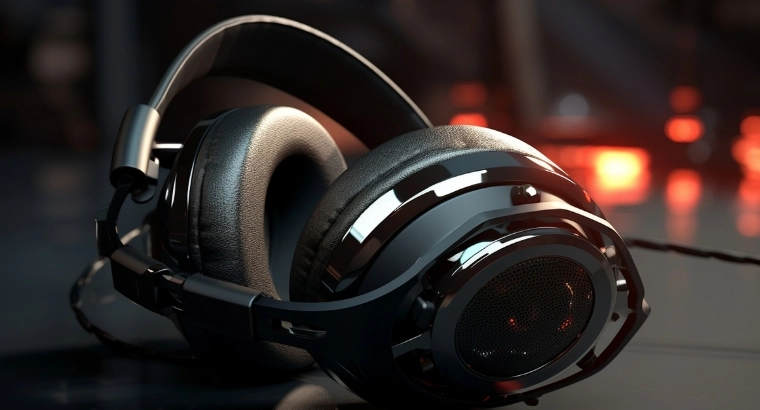
ANC, or active noise cancellation, is a feature that most gaming headsets come with. With this feature enabled, these headphones can cancel out any external noise, offering a proper immersive experience, irrespective of the title you’re playing. For example, if you’re playing a competitive FPS title, then these headphones will help you hear footsteps better, giving you an idea about incoming ambushes and enemy positions. Since most of these headphones are over-the-ear, prolonged exposure to gaming sounds can be a bit exhausting. So, choosing good headphones is important. Some of these devices come with built-in microphones, so functioning as an all-in-one communication device.
Ergonomic Gaming Chair
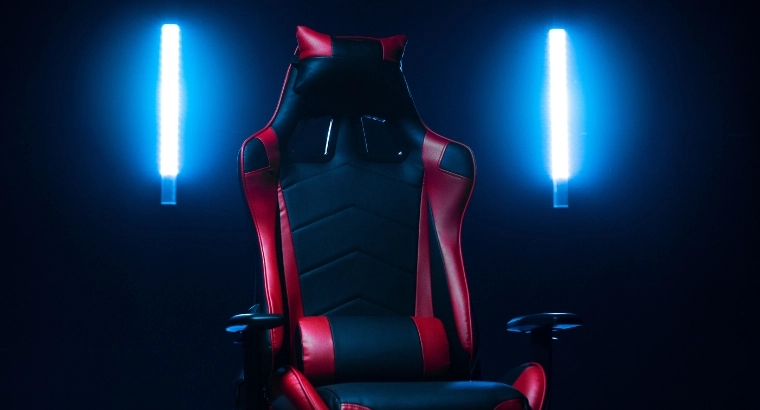
Gaming sessions can be a bit tiring, especially if they go on for long hours. In such scenarios, you must invest in an ergonomic gaming chair. When picking a chair, always see to it that it has appropriate lumbar and neck support. These are the two main areas which pain during long gaming sessions, and can be very annoying, especially if you’re trying to knock some important missions out of the park. Some of these chairs come with adjustable armrests and reclining capabilities, but those models may be a bit more expensive. Others come with massaging seats and fancy modifications, but these are completely optional.
Streaming Accessories (For Content Creators)
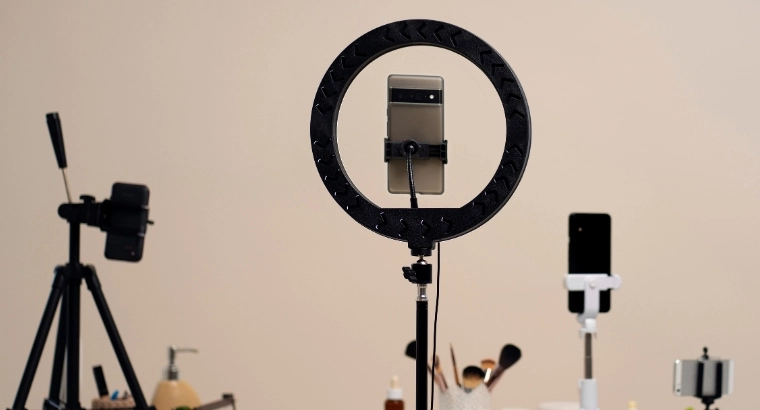
If you’re planning on hopping onto the streaming bandwagon, then you must invest in a good camera and a microphone. Most microphones are plug-and-play and can be connected to your system through the USB port. If you’re looking for better quality stuff, invest in an audio interface and then route your microphone through it.
Most recording software, like OBS Studio, is available for free and is something that many streamers and content creators around the world use.
Gaming Router with Wi-Fi
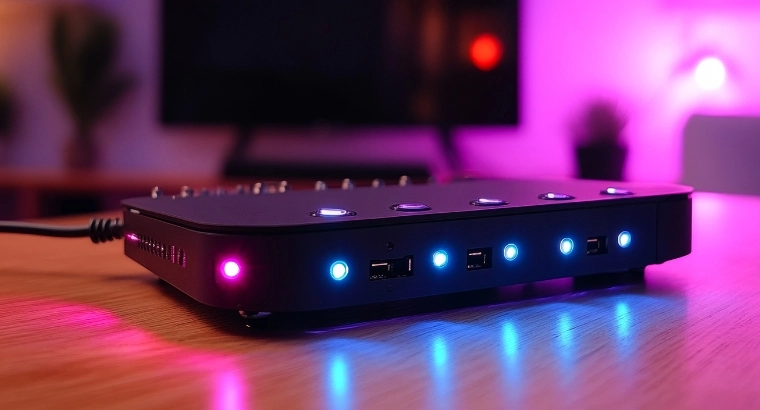
With most games going down the live-service route, you need a strong internet connection and a proper gaming router to go with it. While you should ideally be using a LAN cable for online gaming, relying on WiFi isn’t a bad idea either, especially if you’re using a laptop to play games on PC.
Although a gaming router isn’t really necessary, it does prioritize data packets, which in turn reduces lag and sudden jitters in network traffic. Additionally, if you live in a crowded household, then having a gaming router could just make your life easier.
Gaming Storage Expansion (SSD / External Drive)
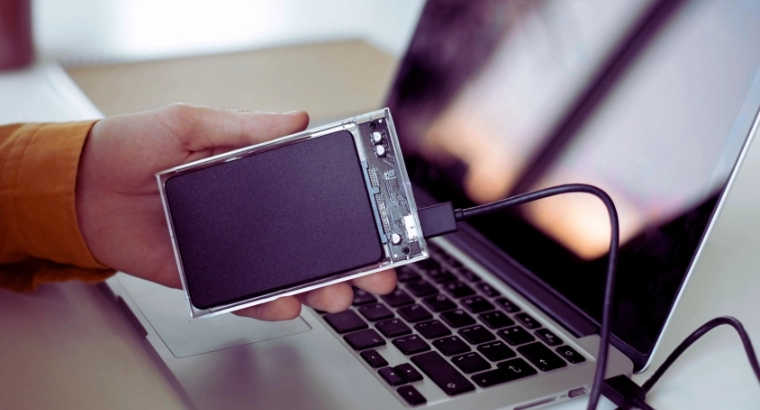
With each passing year, games have increased in size. Although most modern-day systems come with 1TB of storage, sometimes it’s difficult to fit more than two to three titles on your system. In such cases, it’s always wise to invest in another SSD or an external drive to store your content or even install games on. These expandable storage solutions are readily available in the market, and are something that you should definitely consider if you want to keep your favorite games installed on your system.
Backup Power / Surge Protector
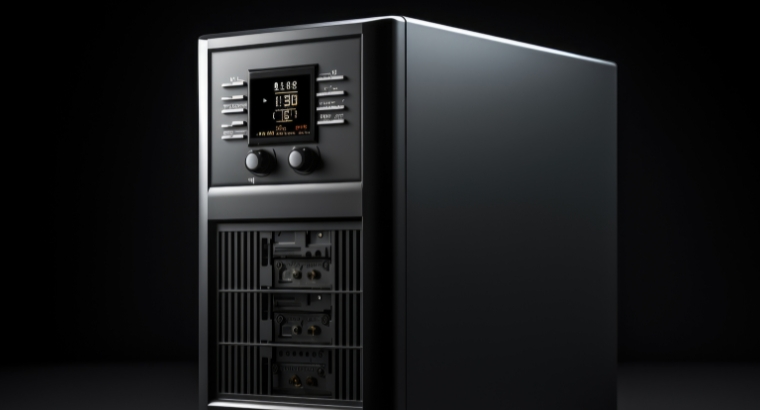
If you live in an area where the voltage fluctuates a lot, then a backup power supply or a surge protector is mandatory. PC components are very delicate and can be damaged if there are rapid power surges. Investing in a good inverter or a UPS system is recommended.
Cooling Accessories (Cooling Pad / PC Cooling System)
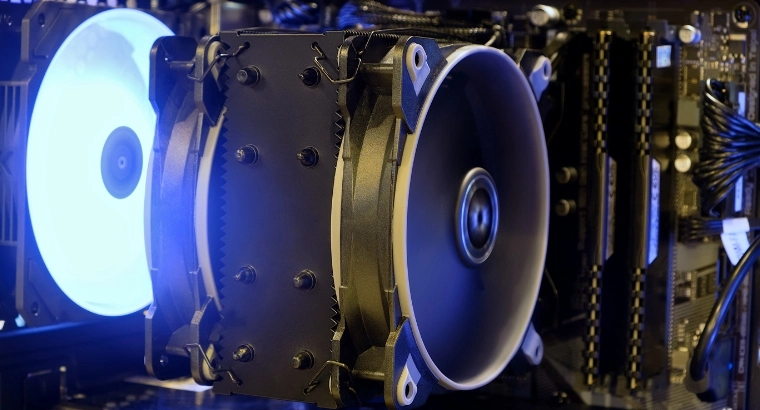
While most gaming systems come with cooling systems, you can invest in additional cooling fans and systems to ensure that your device doesn’t overheat. You could use liquid cooling, but that’s a bit tedious, so if you’re keeping your system in a more ventilated area, then a proper air cooling system should be enough.
How to Pick the Right Gaming Accessories for Your Setup
Before you start picking out your gaming accessories for your setup, identify exactly what you need. If you have a good mouse and keyboard, then you don’t need to invest in them again. Instead, get an ergonomic chair, which will help you game longer, or get a good pair of headphones, which can help with the immersion. If you’re running out of storage, then it’s best if you pick up an additional SSD or an external drive.
When it comes to upgrading your system with good gaming accessories, you don’t really need to spend a lot of money, especially if you’re being smart about it. Big brands usually charge a premium for a particular item. However, if you go for smaller but known brands, you can get the same features, but for a lower price.
Additionally, since we’re talking about electronics here, target major sales like the Black Friday Sale. Digital stores like Best Buy and Amazon have sales running quite frequently, so be sure to target your purchases during these times to get steal deals on your purchases.
FAQs
How much should I spend on a gaming setup upgrade?
The answer is subjective, and the value will vary depending on what all pc gaming accessories you need to invest in, to improve your overall experience.
Why is a mechanical keyboard important for gaming?
Mechanical keyboards avoid ghost inputs, thereby reducing input lag to a certain degree. These keyboards are also comfortable to use.
How does a gaming headset improve my experience?
Yes, a gaming headset will improve your overall gaming experience. Having a good gaming headphone tends to block out all the additional noise and gives a surround sound experience, letting you immerse yourself in the soundscape of a video game.
Is an ergonomic gaming chair worth the investment?
Yes, an ergonomic gaming chair is worth the investment. During long gaming hours, your back and neck may hurt, and an ergonomic gaming chair can help you relax, by supporting your neck and lumbar region.
How does a high-refresh-rate gaming monitor improve gameplay?
A high-refresh-rate gaming monitor serves images quickly, which reduces motion blur and input lag, letting you react quickly to changes in your field of view.